
 Arva POS
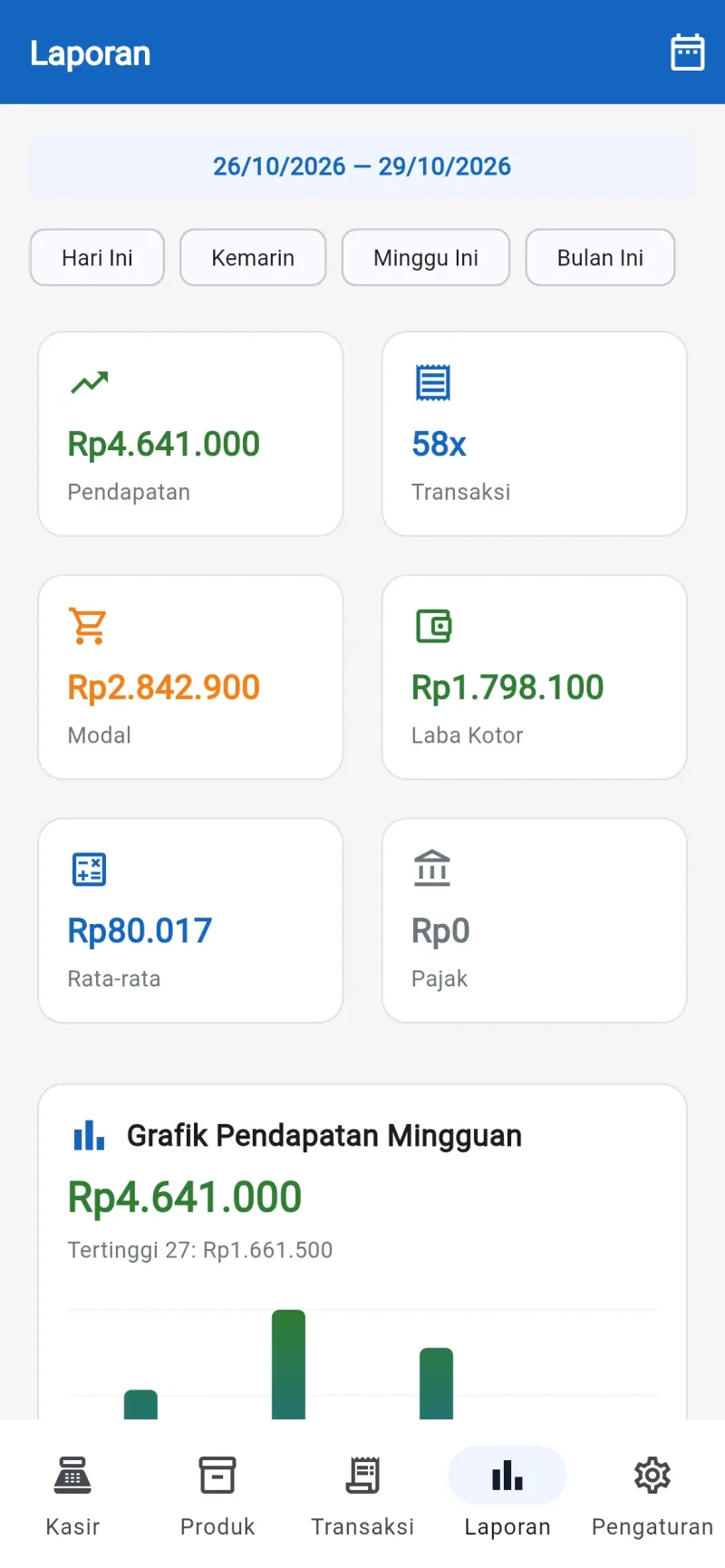
Android point-of-sale app for shops, stalls and cafés. Sales keep going when the internet drops, receipts print to a Bluetooth thermal printer, and gross profit is visible every day.
See the screens
Choose a part of the app on the left. Every screen is taken from Arva POS running with sample data. Click an image to enlarge it.
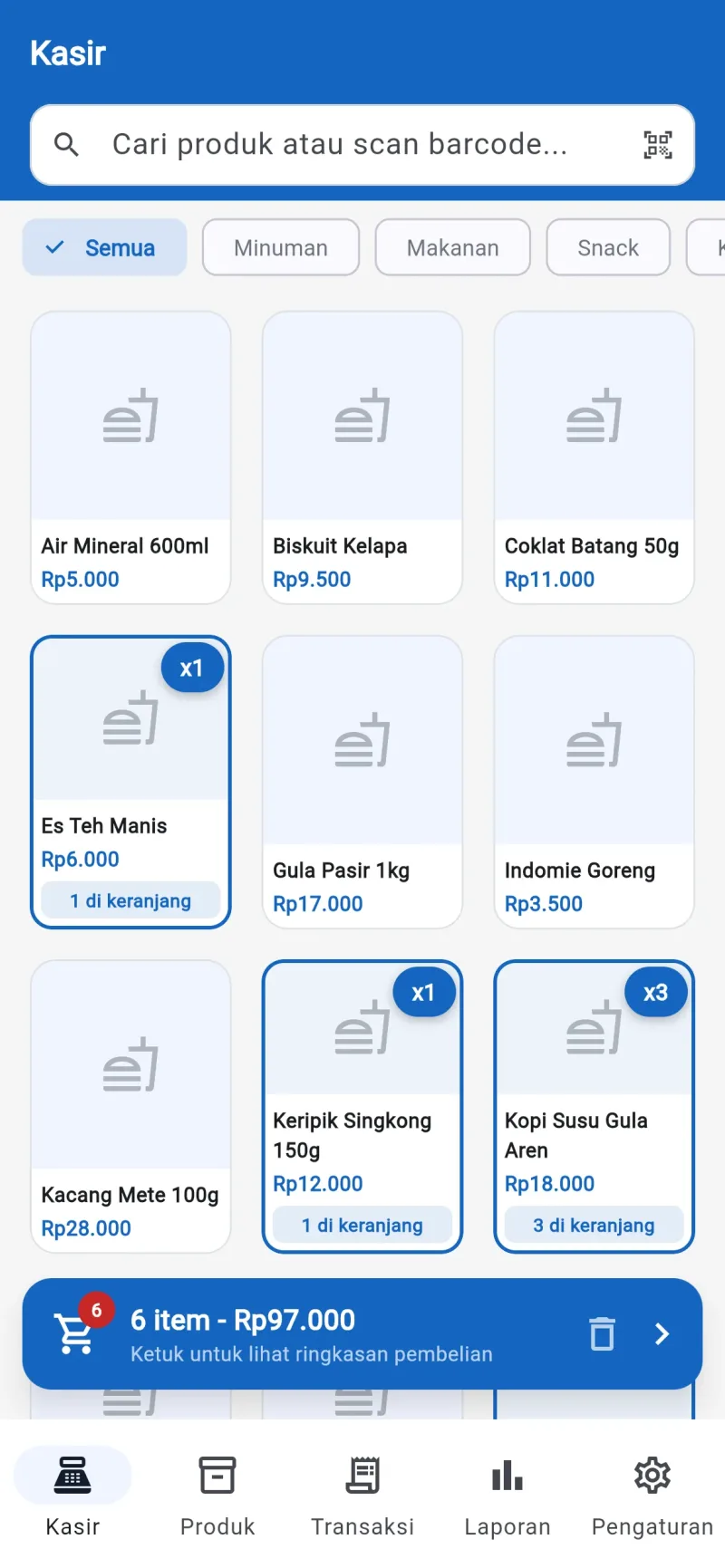
Tap a product and it goes into the cart
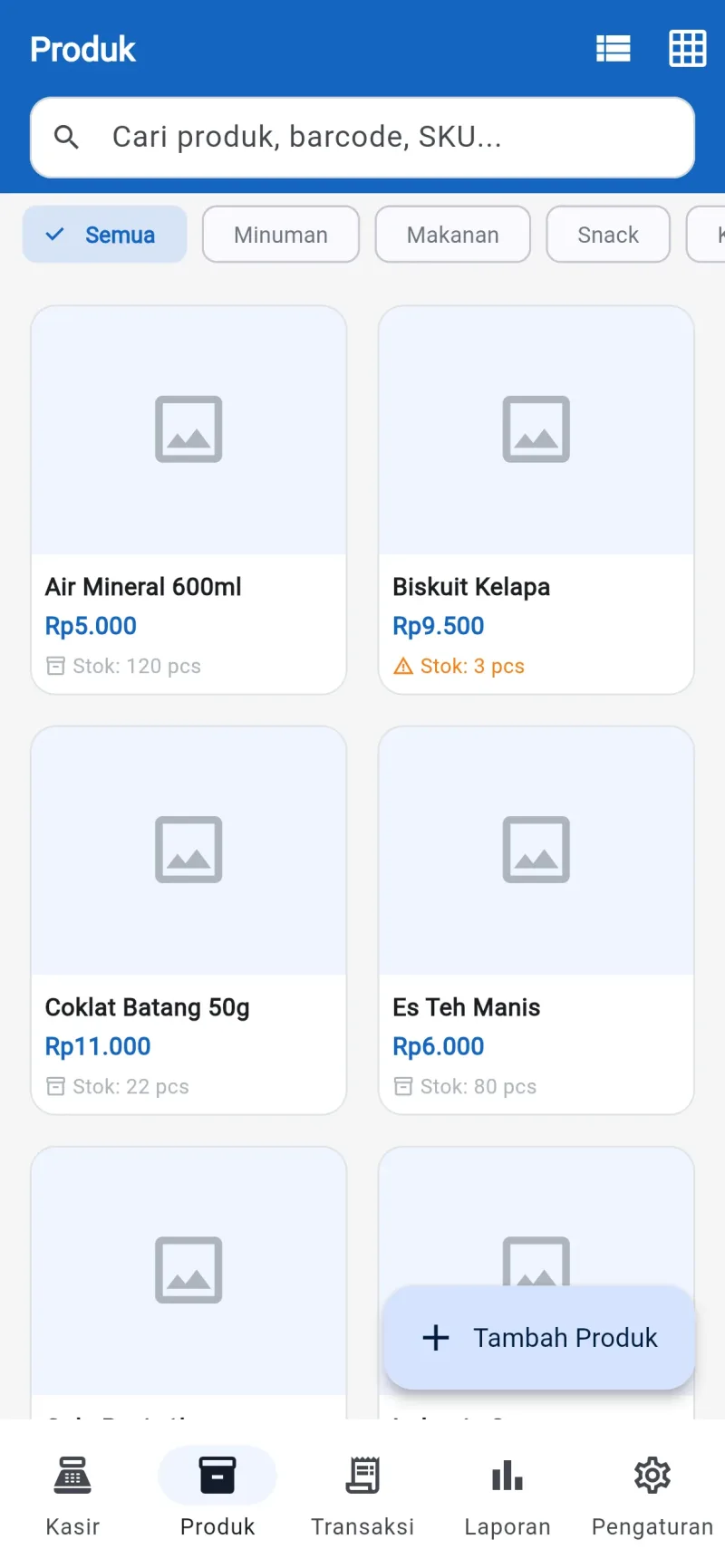
Products are shown by category and can be searched or scanned by barcode. The quantity in the cart shows on each product.
| Arva POS | ScreenCashier | Sheet1 / 7 |
You can also use the arrow keys
Full feature list
Shops, stalls, minimarkets, cafés and small businesses with one or several cashiers.
Arva POS| Cashier |
|
|---|---|
| Stock and products |
|
| Reports |
|
| Data security |
|
Getting started
The contract is directly with PT Bhilulu Teknik. Our IT team installs, trains and supports.
Requirements reviewed
We study your workflow and company rules, then show you the parts of the app that cover them.
Data migrated
Employee, item, customer or student data from Excel is imported into the app.
Training
Every user is trained for their role until they can work on their own.
Ongoing support
After go-live, our IT team is still reachable by WhatsApp and email.
All screens
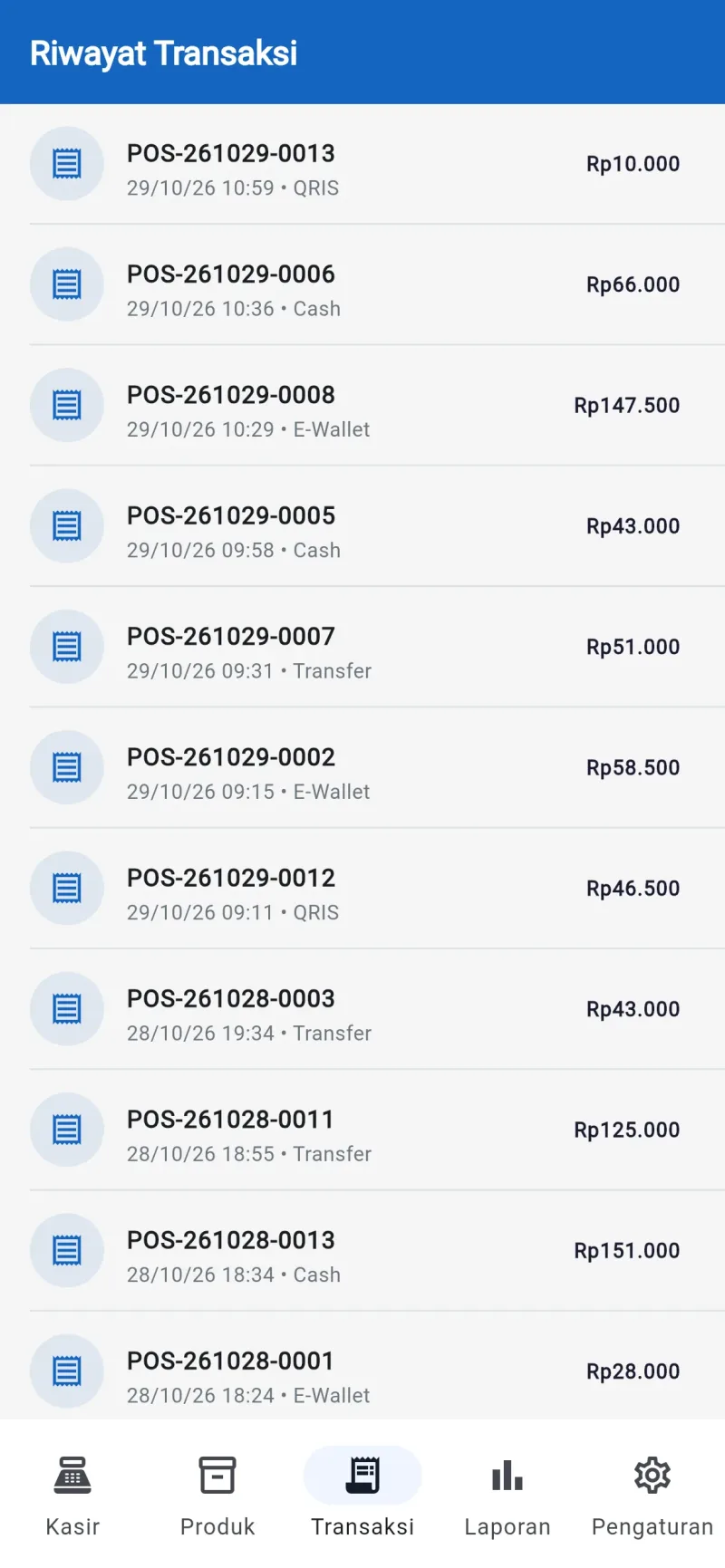
7 Arva POS screens. Click to see them full size, then swipe for the next one.
Arva POS FAQ
Not answered yet? Ask us directly on IT services WhatsApp.
Does it need internet?
No. Every transaction is stored on the phone, so the till keeps working when the signal drops.
Which printers can be used?
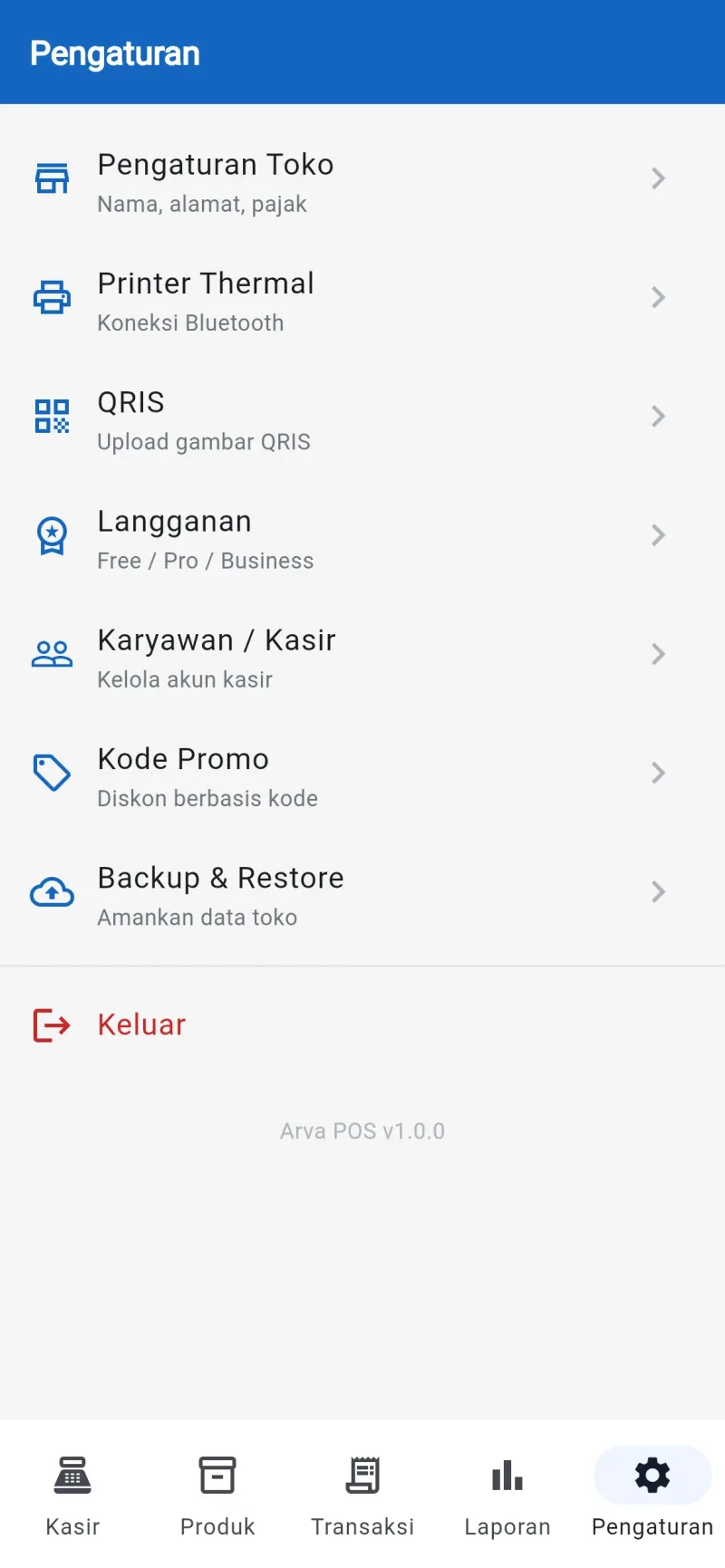
The Bluetooth thermal printers commonly used for till receipts. Pair it once from the Settings menu.
Can more than one cashier use it?
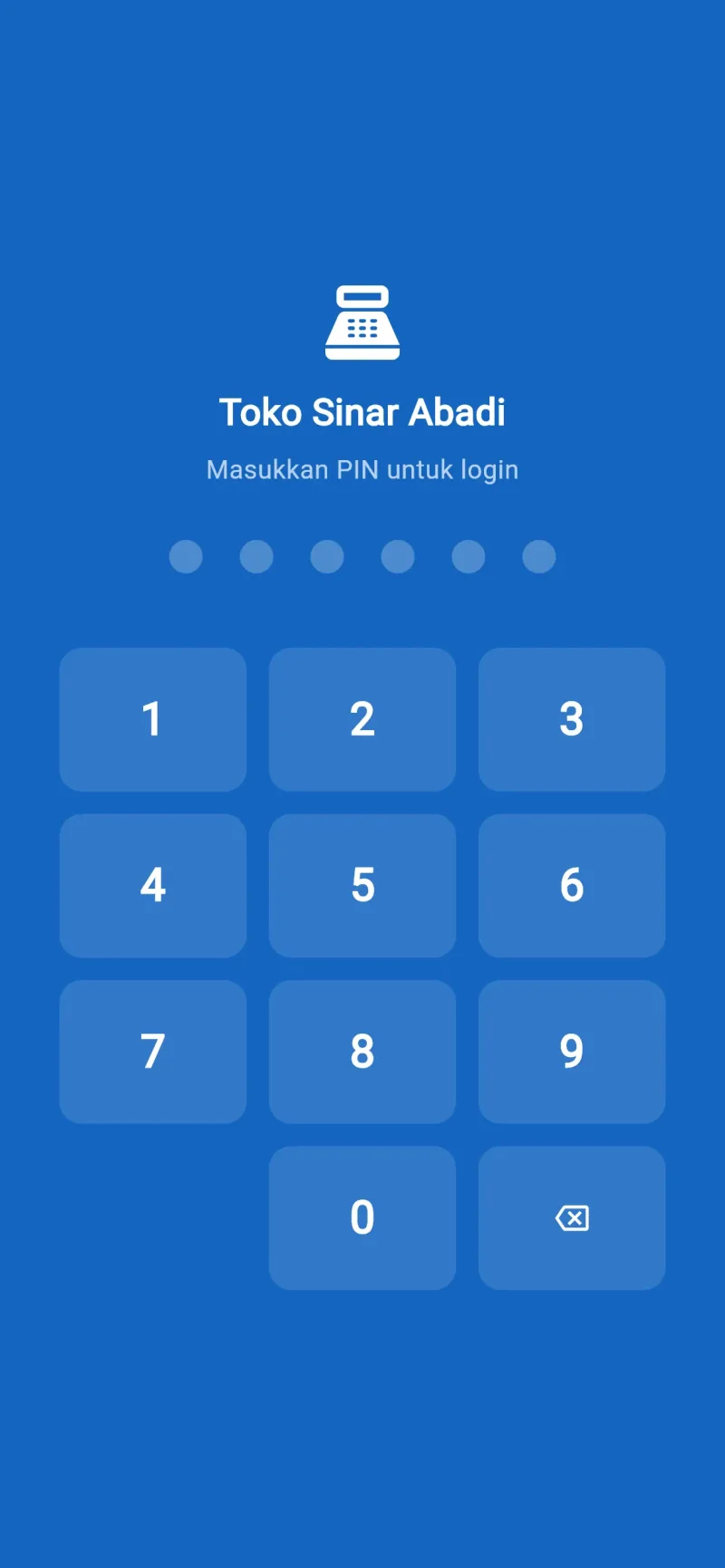
Yes. Each cashier has their own account and PIN, and the owner can see every transaction.
What if the phone breaks or is lost?
Back up regularly from the Backup and Restore menu, then restore the data on the new phone.
Can it accept QRIS payments?
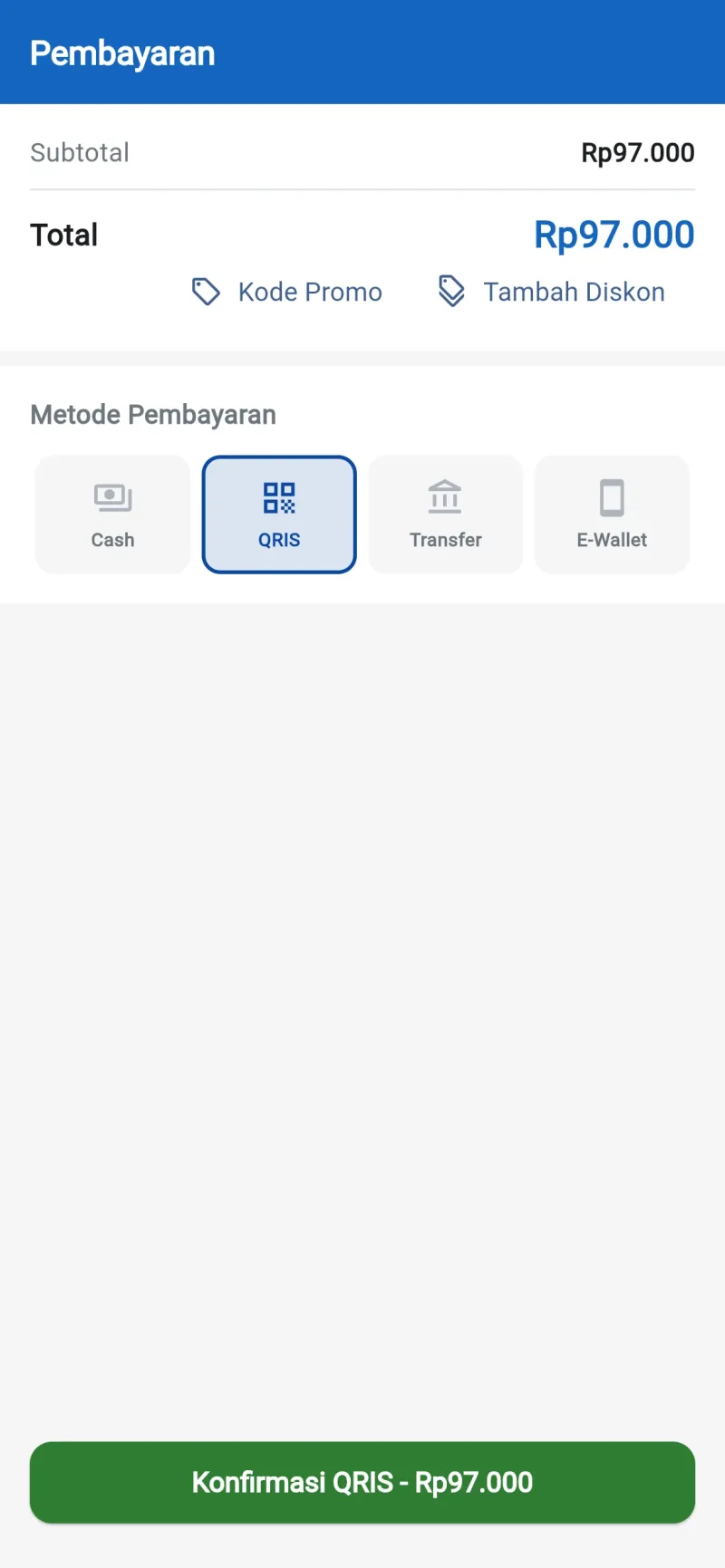
Yes. Upload your shop's QRIS image in the settings and it appears on screen when the customer pays.
Other apps
 Arva HRIS
 Arva ERP
 Arva School
This page was updated on