
 Arva ERP
Sales, purchasing, warehouse stock, production and finance recorded in one place. Posted documents go straight into the general ledger, so financial reports are always ready to read.
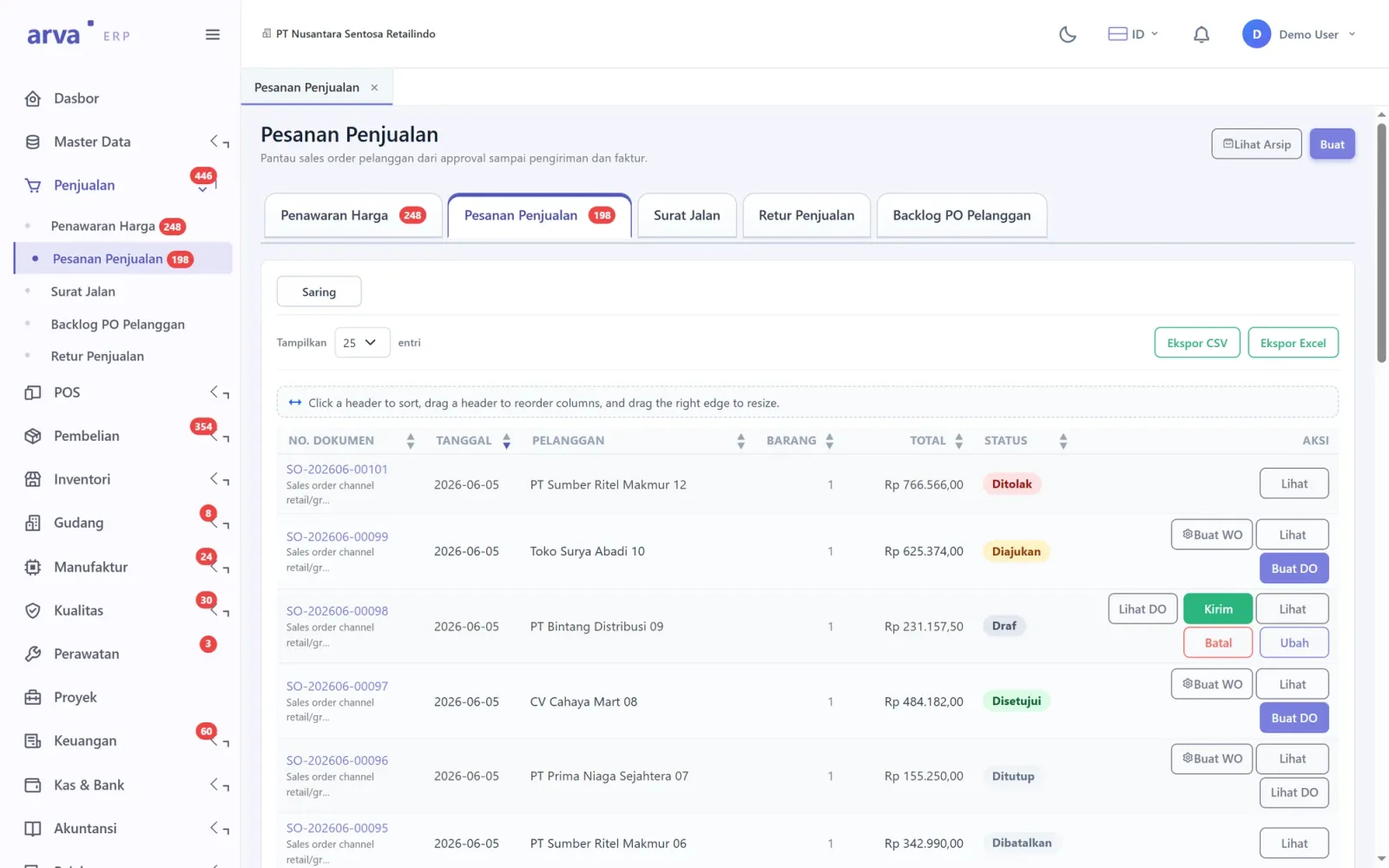
See the screens
Choose a part of the app on the left. Every screen is taken from Arva ERP running with sample data. Click an image to enlarge it.
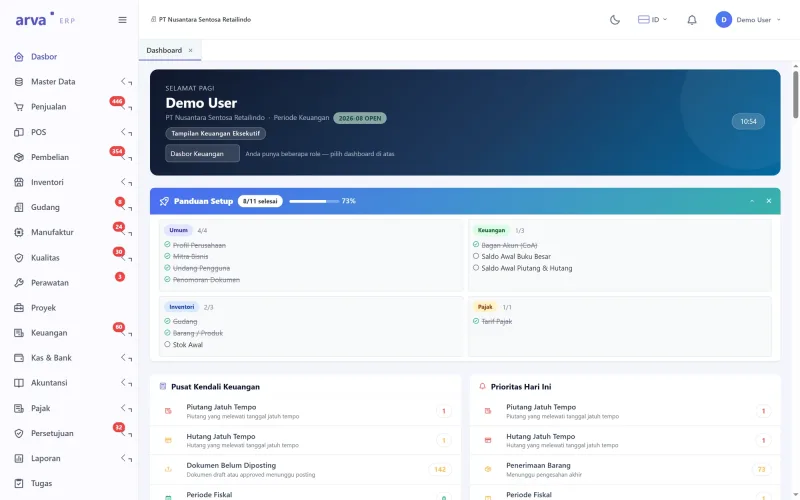
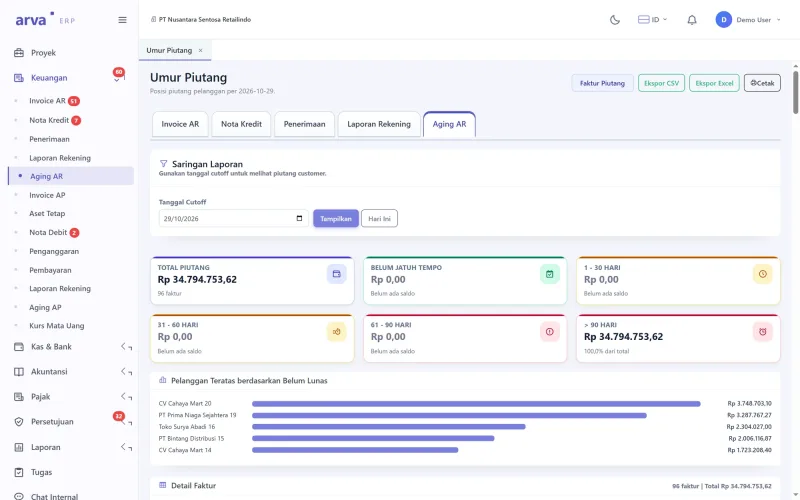
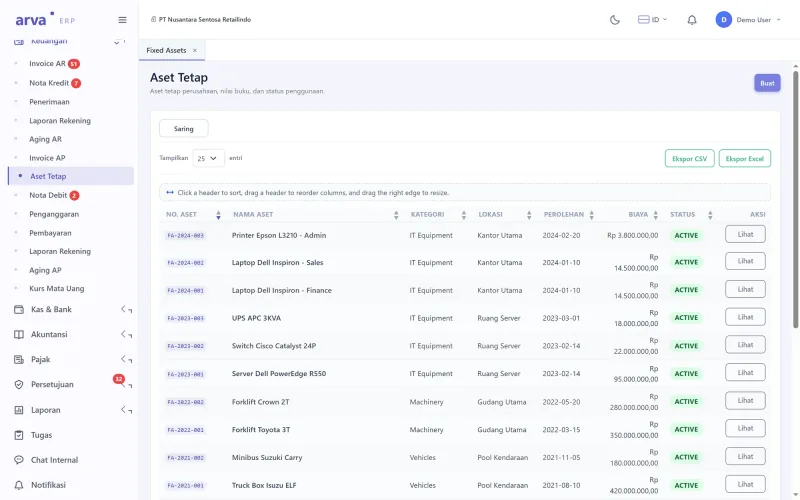
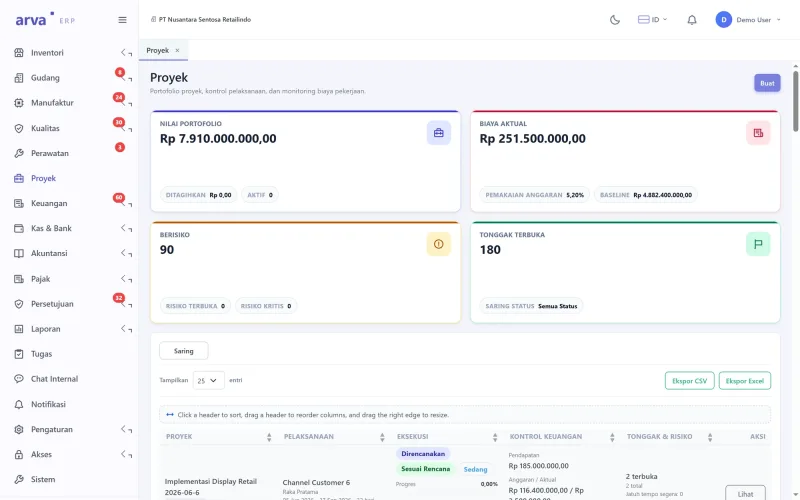
What needs attention today
Overdue receivables and payables, unposted documents and pending goods receipts are visible as soon as you sign in.
| Arva ERP | ScreenDashboard | Sheet1 / 10 |
You can also use the arrow keys
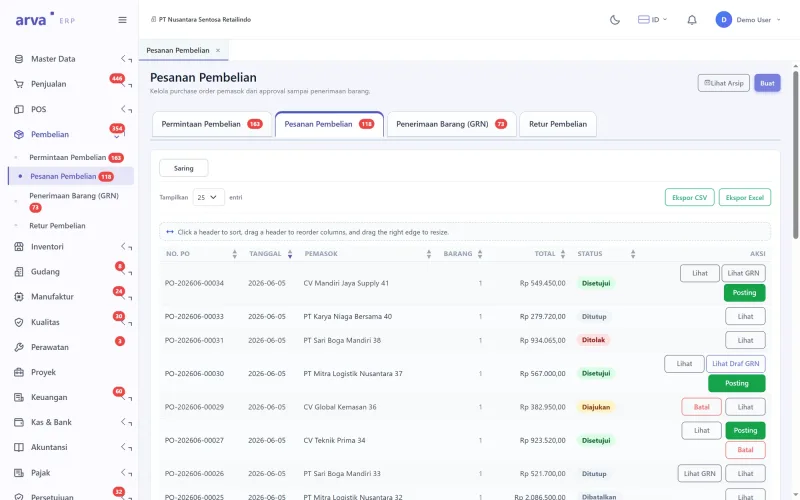
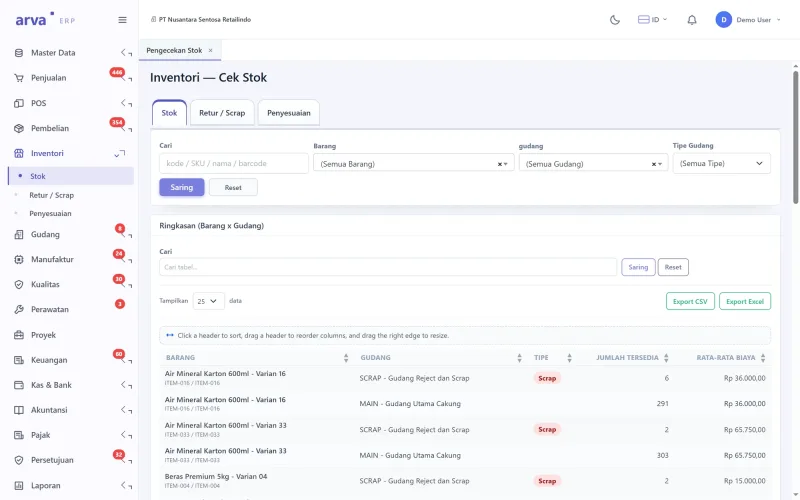
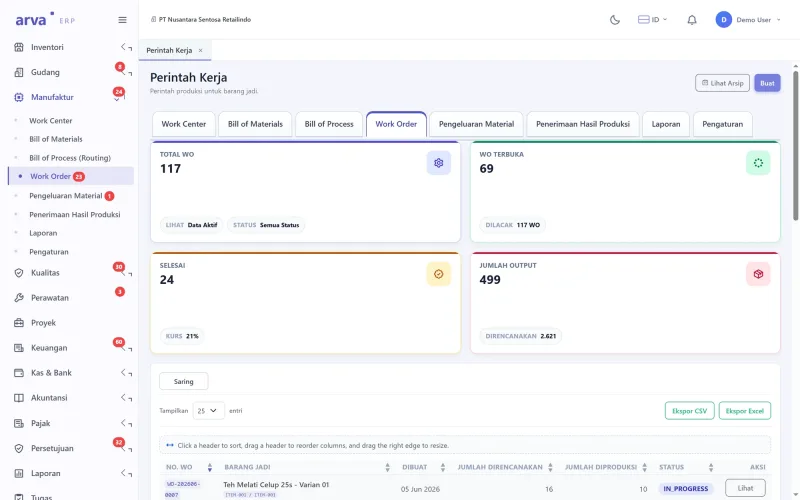
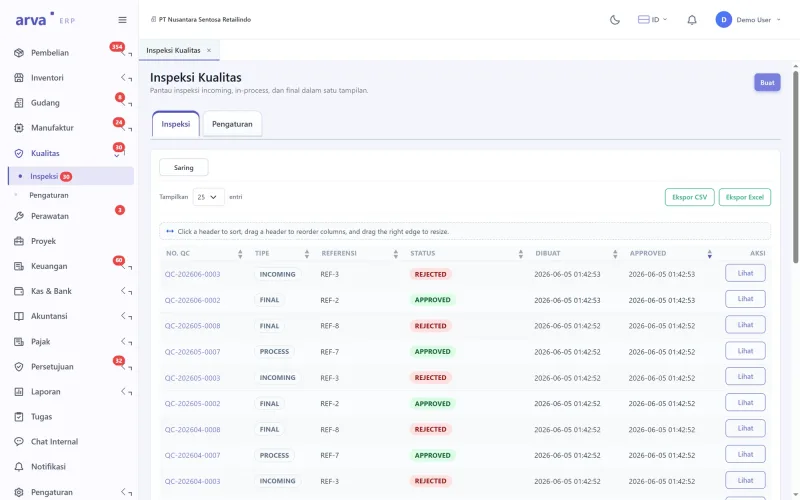
Full feature list
Distributors, factories and trading companies with warehouses, branches or production lines.
Arva ERP| Sales |
|
|---|---|
| Purchasing and warehouse |
|
| Production |
|
| Finance and tax |
|
Getting started
The contract is directly with PT Bhilulu Teknik. Our IT team installs, trains and supports.
Requirements reviewed
We study your workflow and company rules, then show you the parts of the app that cover them.
Data migrated
Employee, item, customer or student data from Excel is imported into the app.
Training
Every user is trained for their role until they can work on their own.
Ongoing support
After go-live, our IT team is still reachable by WhatsApp and email.
All screens
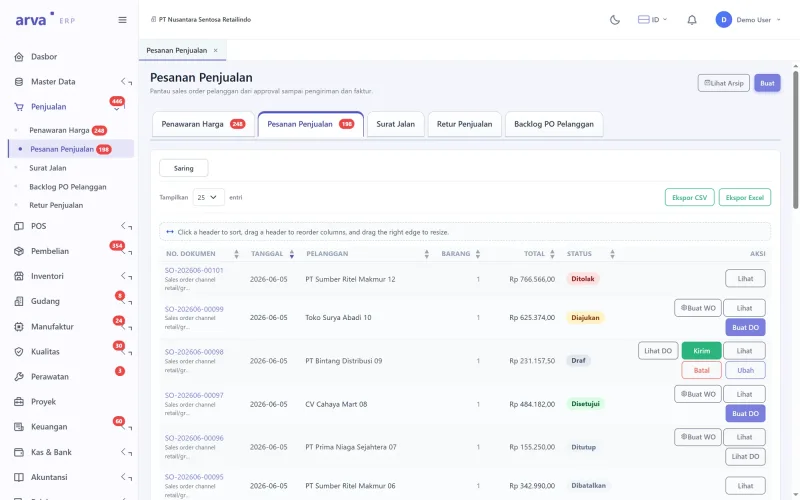
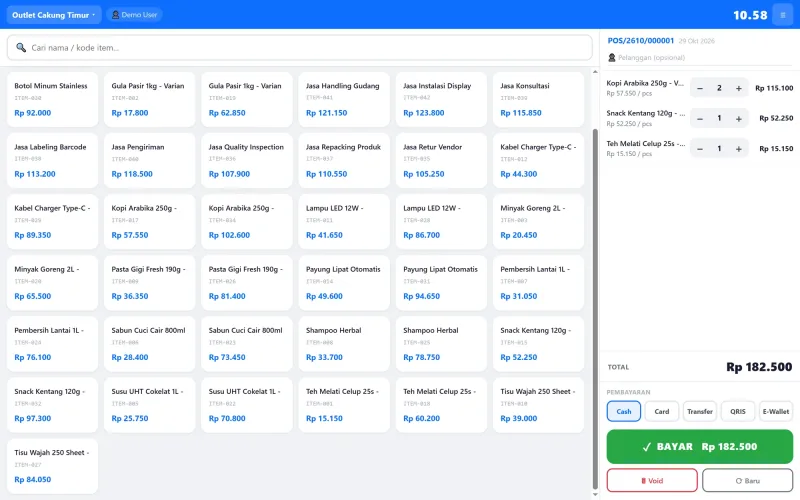
10 Arva ERP screens. Click to see them full size, then swipe for the next one.
Arva ERP FAQ
Not answered yet? Ask us directly on IT services WhatsApp.
Can it be used for more than one company?
Yes. Several companies in one group are managed in one system, with data and reports kept separate.
Is there e-Faktur?
Yes. The e-Faktur, tax posting and tax reporting menus take their data from sales and purchase transactions.
Can old data be moved from Excel?
Yes. Items, customers, suppliers and opening balances are imported from Excel during installation.
Who can approve documents?
You decide. The approval matrix sets who approves what, for example purchase orders above a certain value must be approved by a manager.
Can it be accessed from outside the office?
Yes, through a browser from anywhere, with access rights per user and every change recorded in the audit log.
Other apps
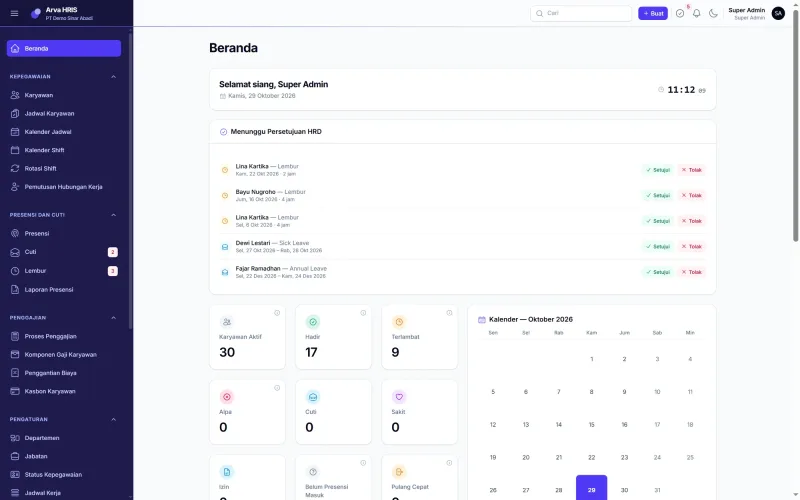
 Arva HRIS
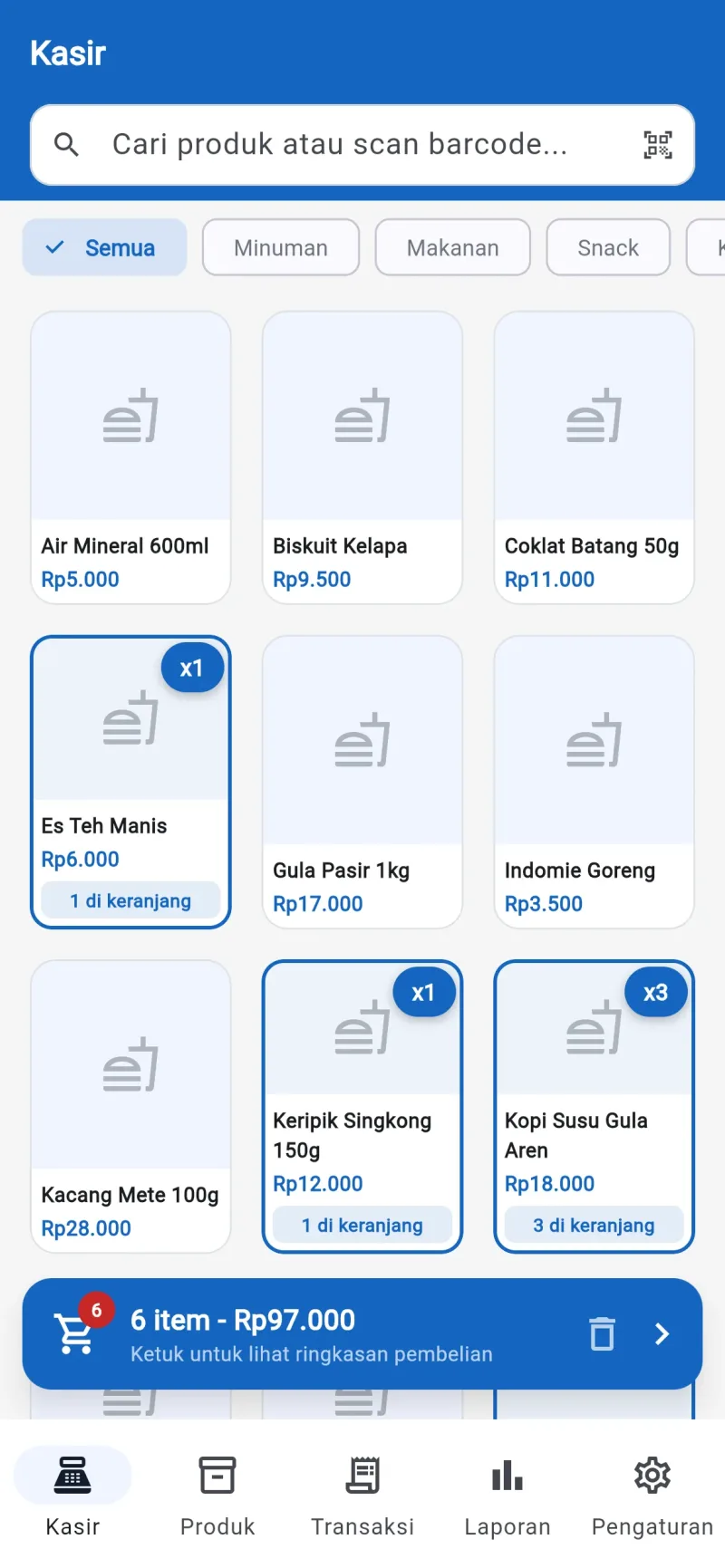
 Arva POS
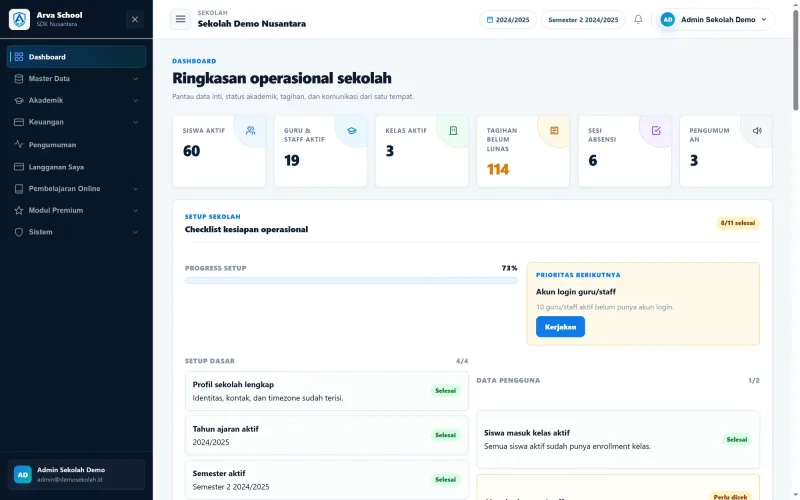
 Arva School
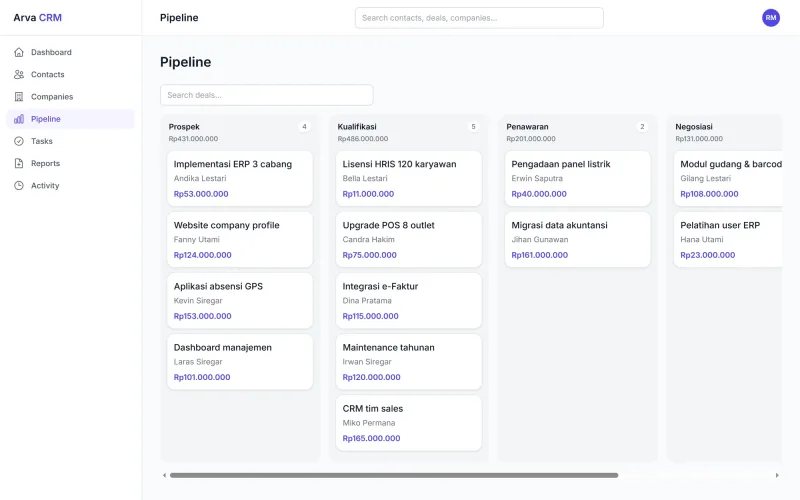
This page was updated on