
 Arva HRIS
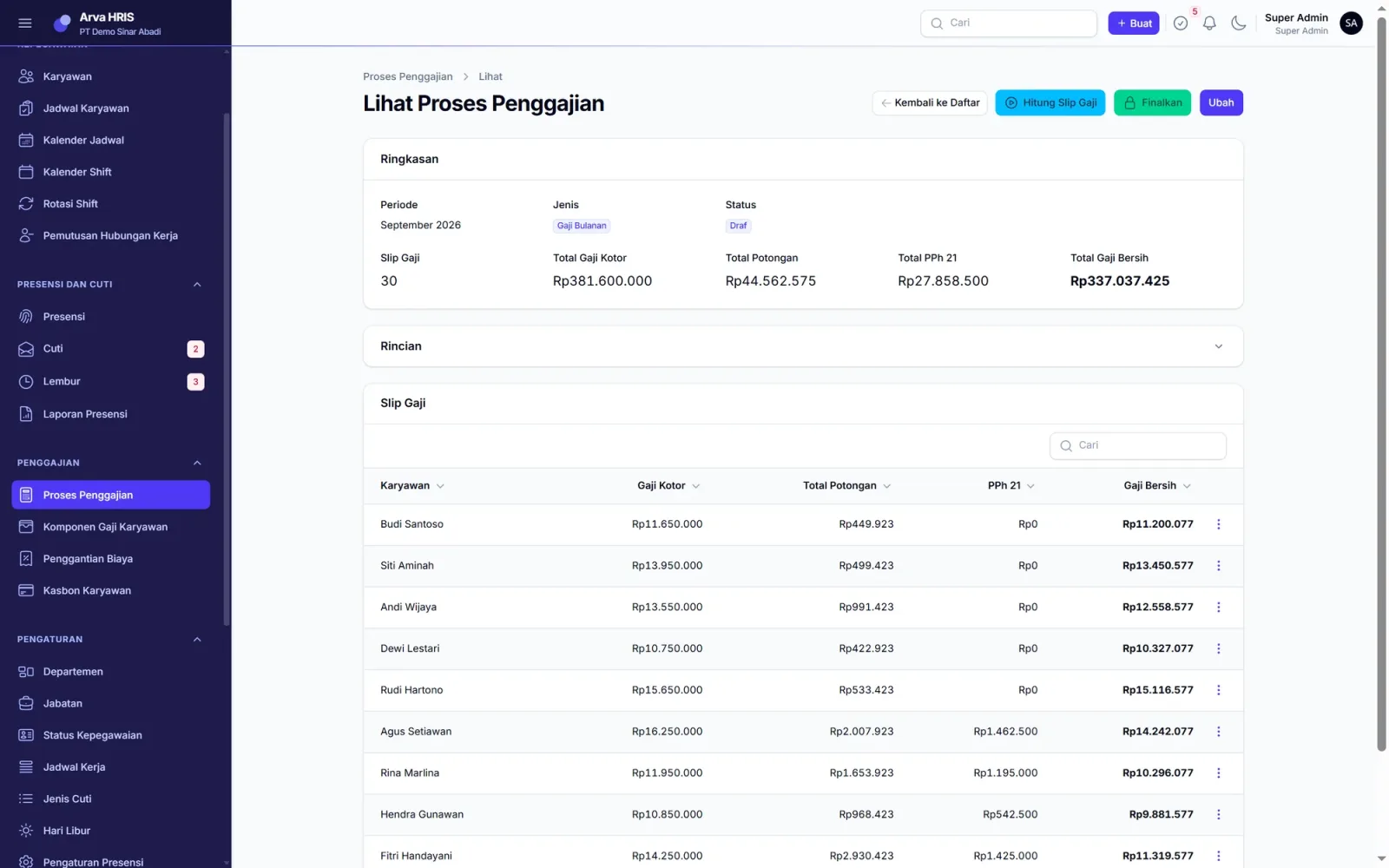
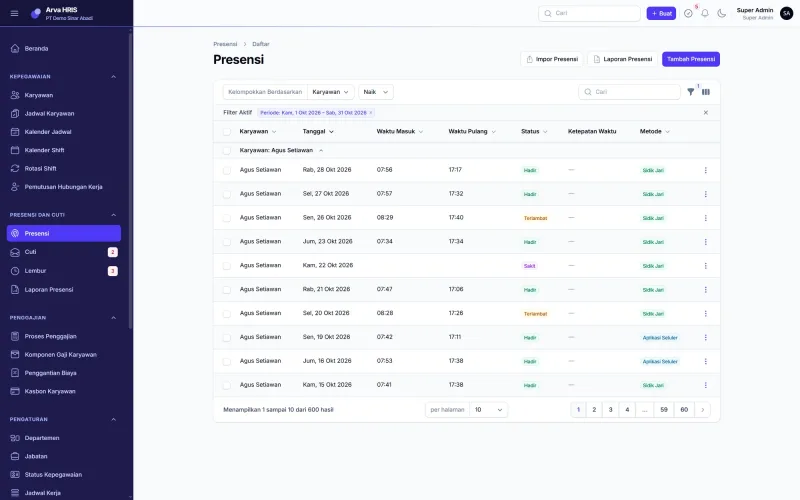
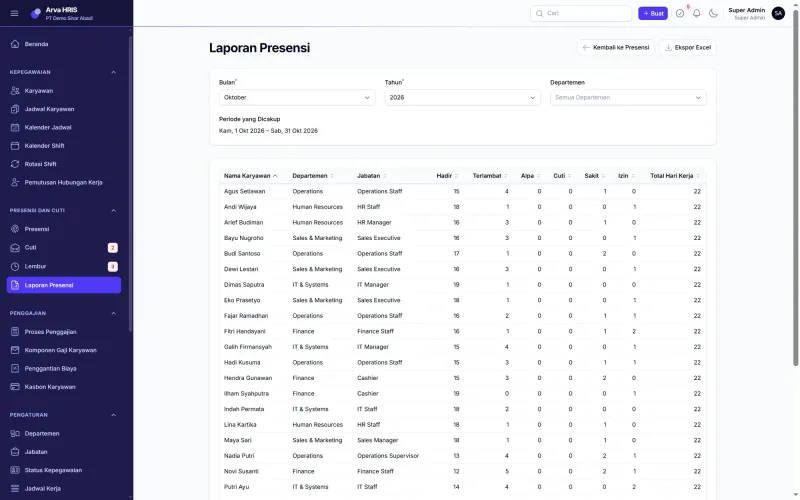
Attendance from fingerprint readers or phones, leave and overtime with layered approvals, then salary, PPh 21 income tax and BPJS social security calculated automatically every month. Our own HR team uses it to pay the workshop staff.
See the screens
Choose a part of the app on the left. Every screen is taken from Arva HRIS running with sample data. Click an image to enlarge it.
What HR needs to check today
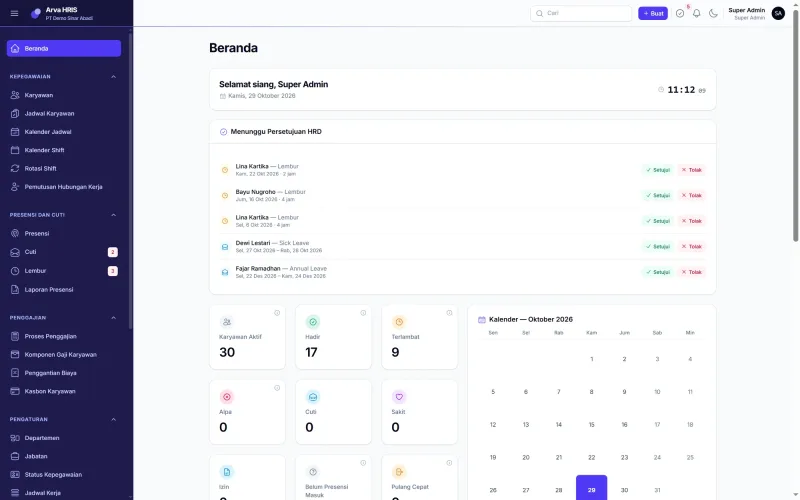
Pending leave and overtime requests can be approved straight from the home screen. Below that is today's attendance: present, late, on leave, sick and not yet clocked in.
| Arva HRIS | ScreenHome | Sheet1 / 11 |
You can also use the arrow keys
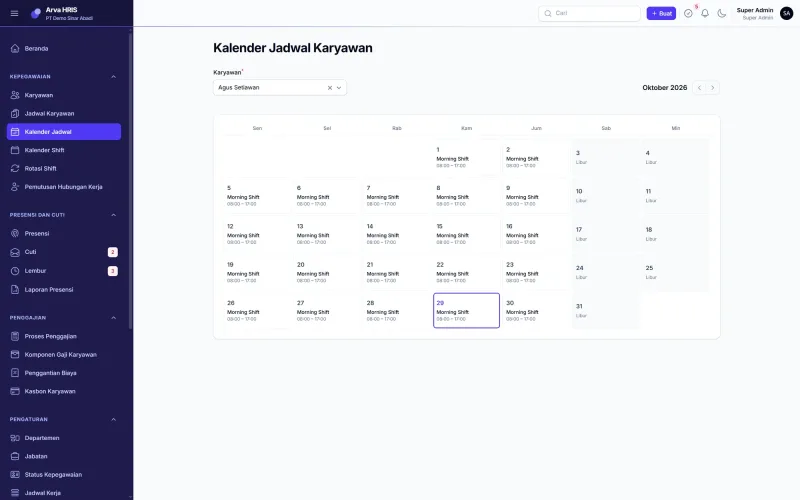
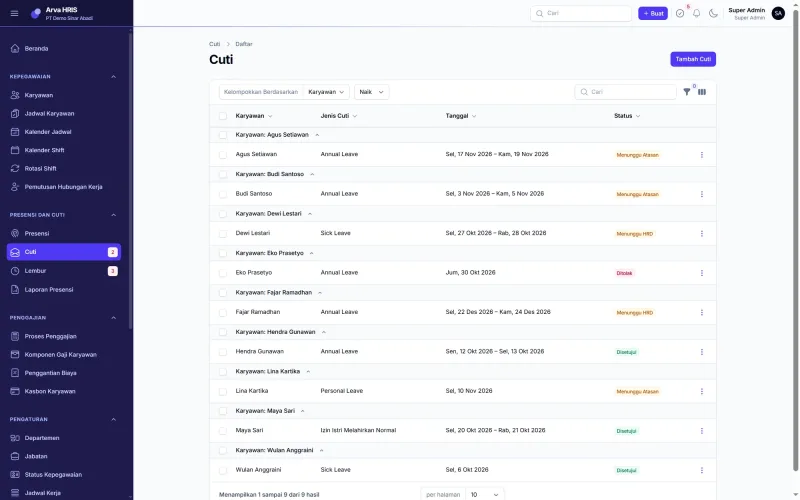
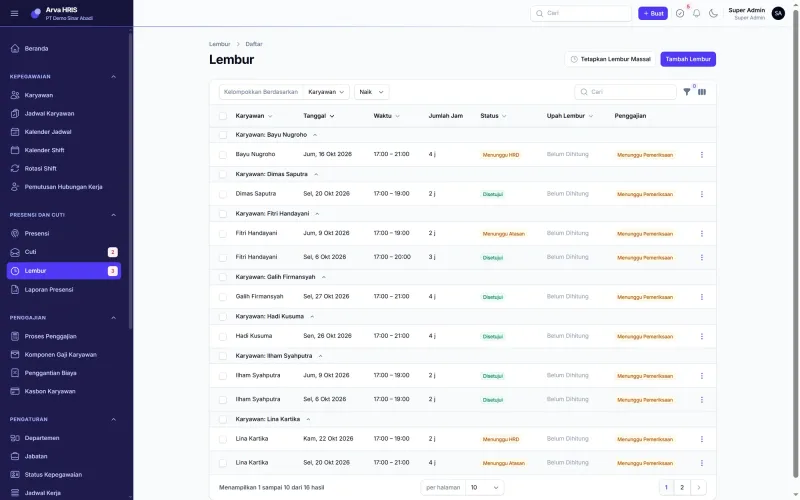
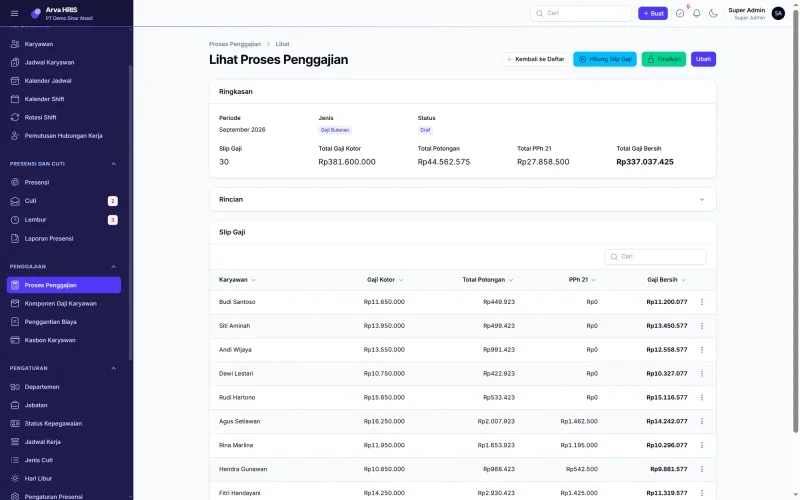
Full feature list
Factories, workshops and offices with dozens to hundreds of employees, including those working shifts.
Arva HRIS| Attendance |
|
|---|---|
| Leave and overtime |
|
| Payroll |
|
| Other |
|
Getting started
The contract is directly with PT Bhilulu Teknik. Our IT team installs, trains and supports.
Requirements reviewed
We study your workflow and company rules, then show you the parts of the app that cover them.
Data migrated
Employee, item, customer or student data from Excel is imported into the app.
Training
Every user is trained for their role until they can work on their own.
Ongoing support
After go-live, our IT team is still reachable by WhatsApp and email.
All screens
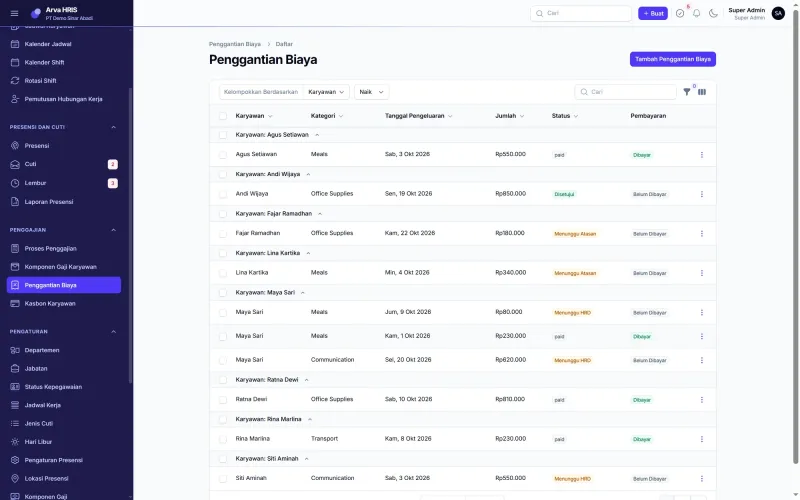
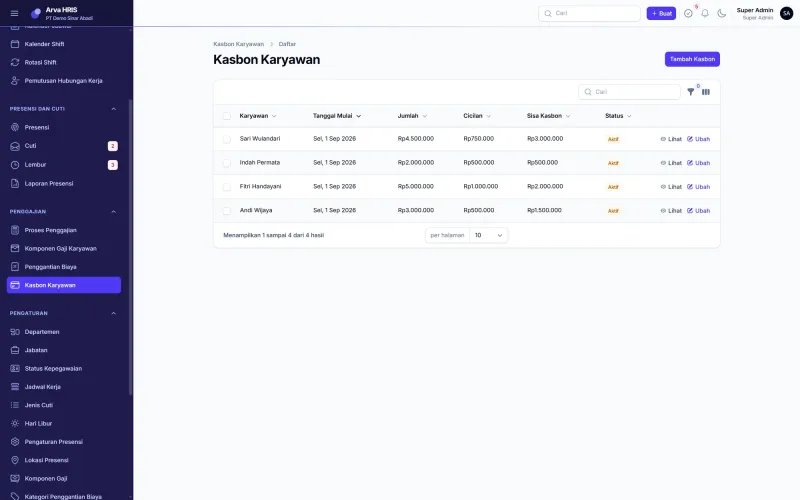
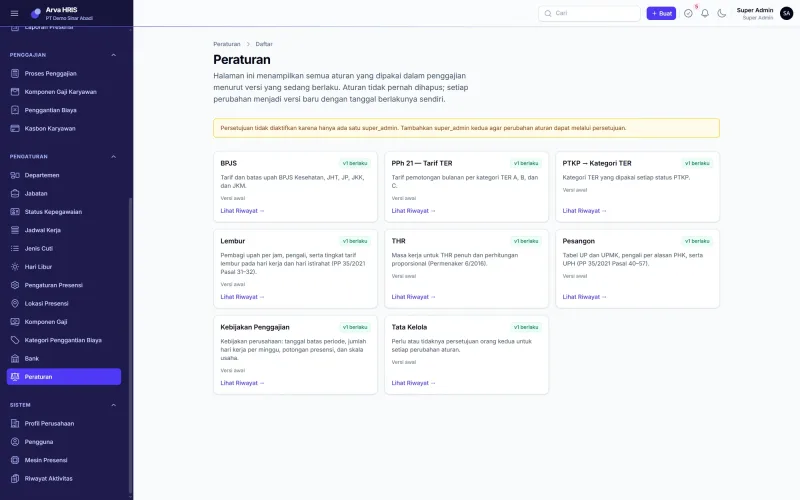
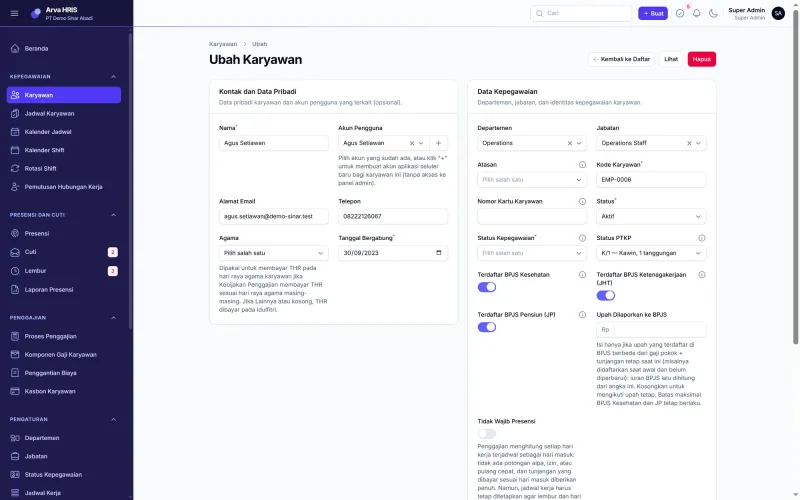
11 Arva HRIS screens. Click to see them full size, then swipe for the next one.
Arva HRIS FAQ
Not answered yet? Ask us directly on IT services WhatsApp.
Can it connect to our existing fingerprint readers?
Yes, for fingerprint readers connected to the network. If your reader is not supported yet, attendance data can still be imported from an Excel file.
Can employees clock in from their phones?
Yes, through the Android app with GPS location. In the same app employees request leave and overtime and view their payslips.
Does PPh 21 already use the TER rates?
Yes. PPh 21 TER, PTKP and BPJS rates are stored as rules that can be updated when the government changes them.
Where is employee data stored?
On your company's own server or on hosting we prepare. The data stays yours and can be exported at any time.
How long until it is ready to use?
Usually two to five weeks, depending on the number of employees and the payroll rules to be set up.
Other apps
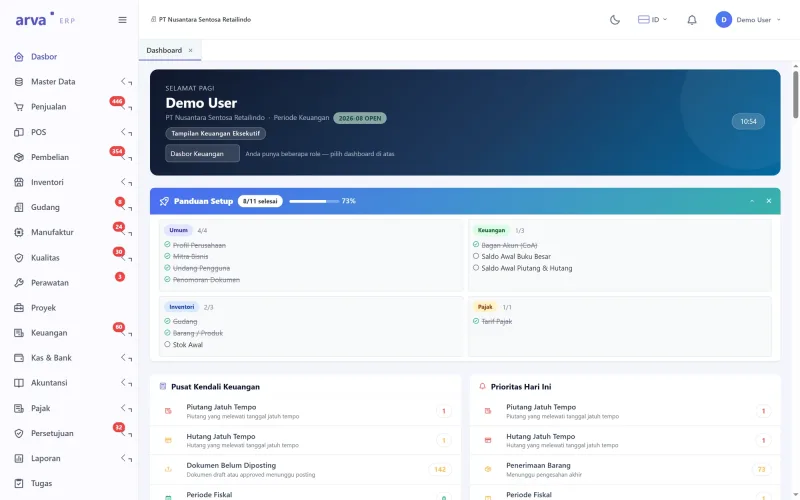
 Arva ERP
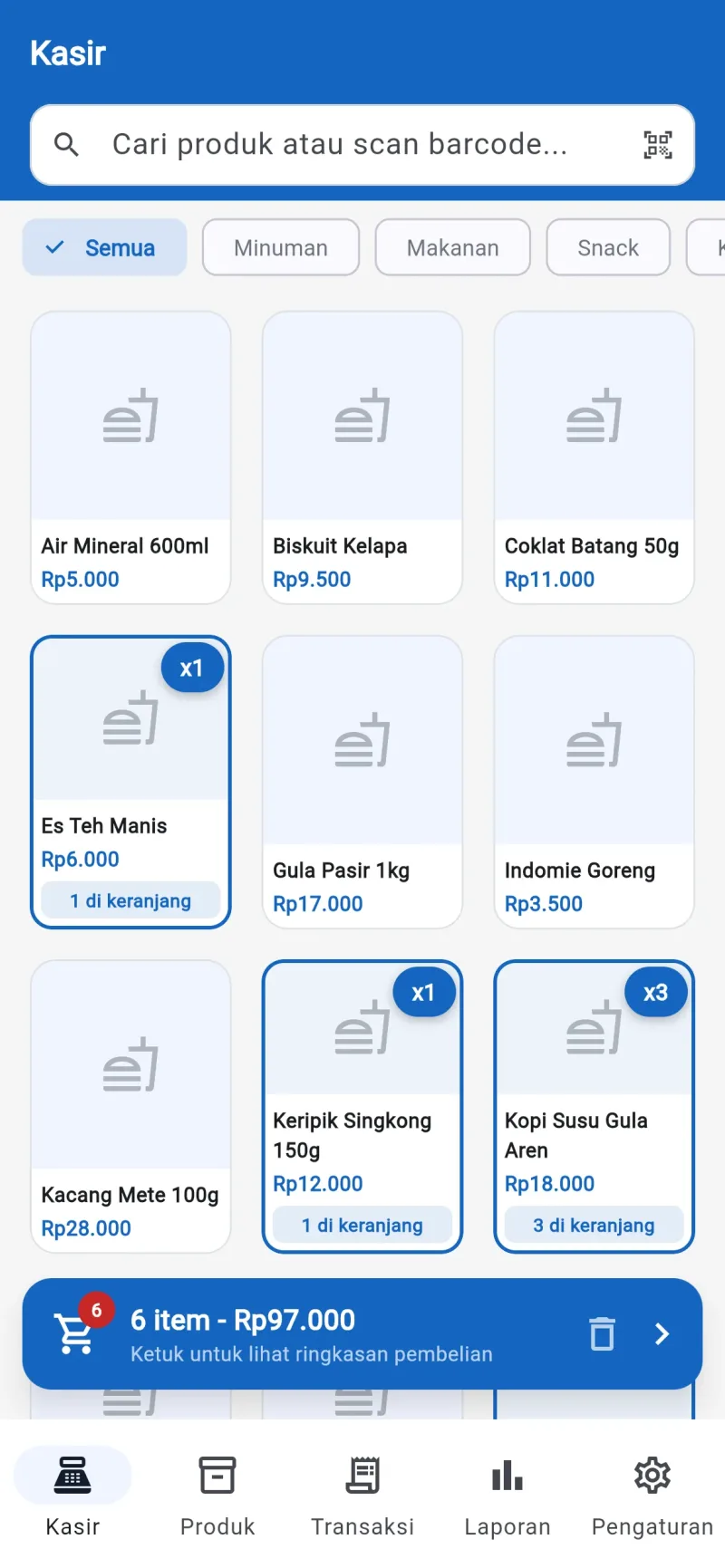
 Arva POS
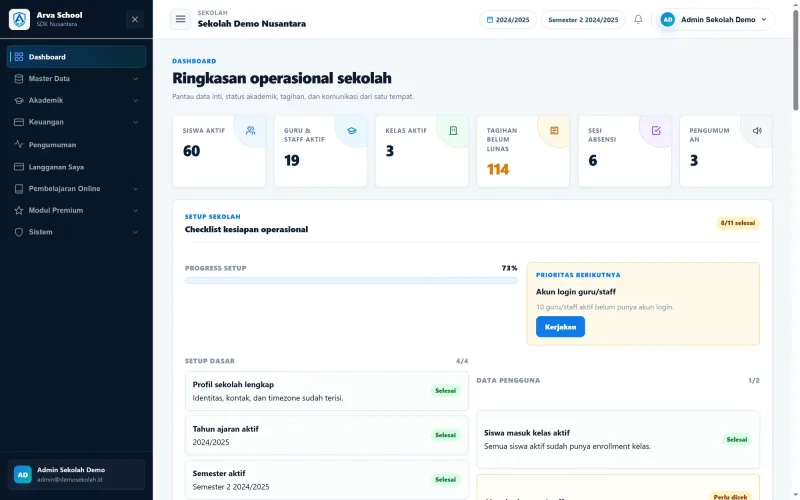
 Arva School
This page was updated on