
Arva CRM
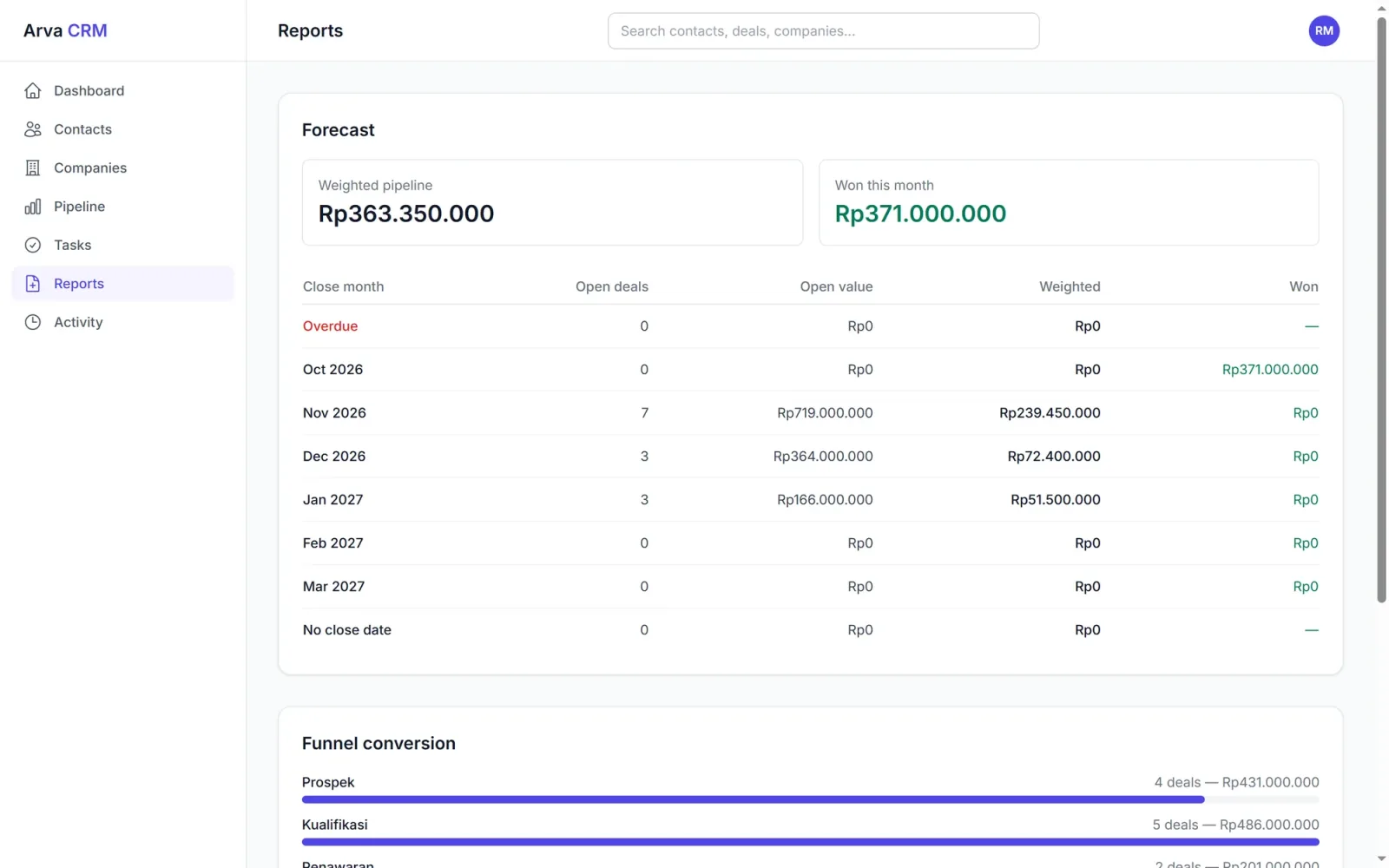
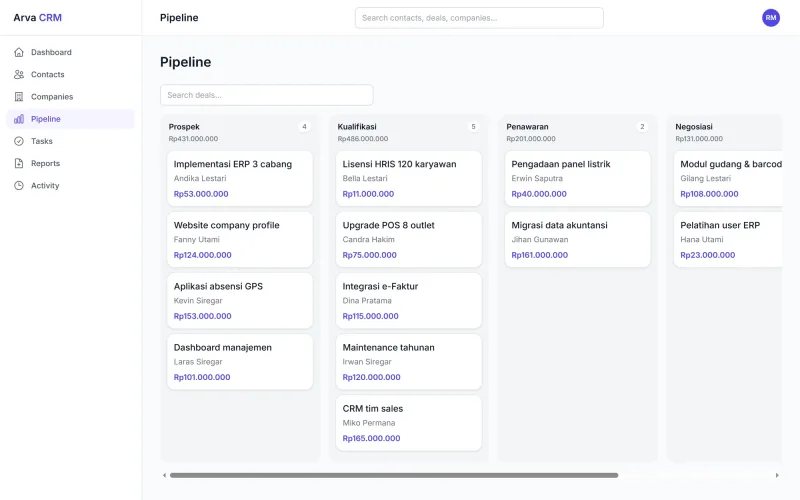
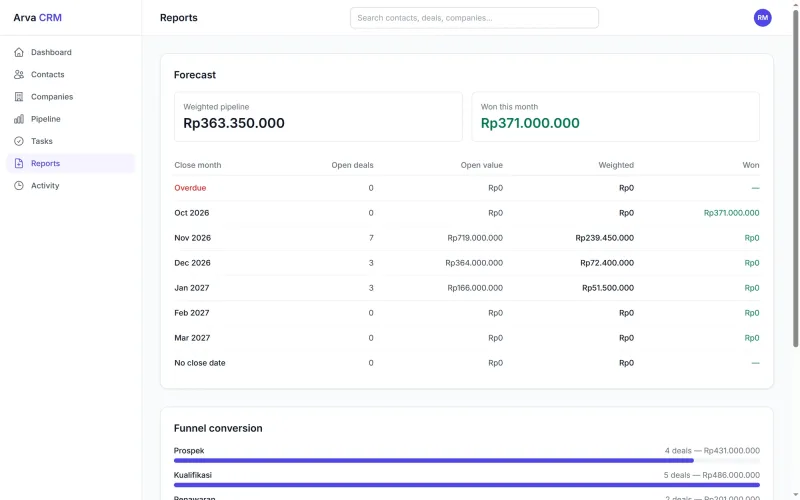
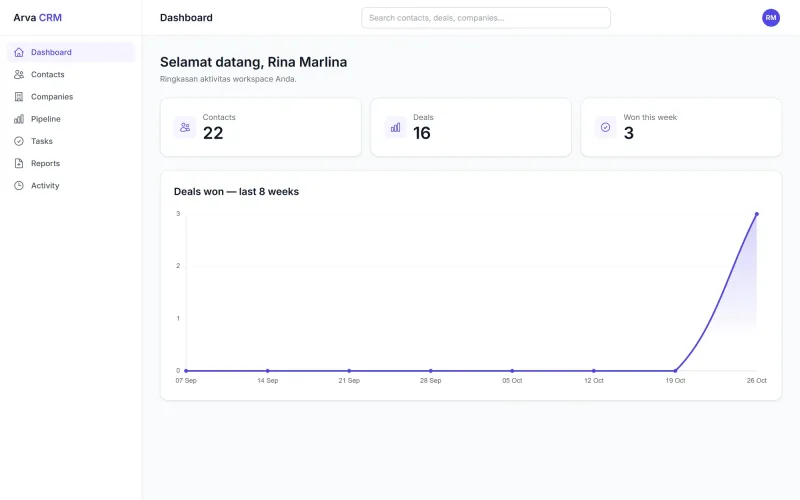
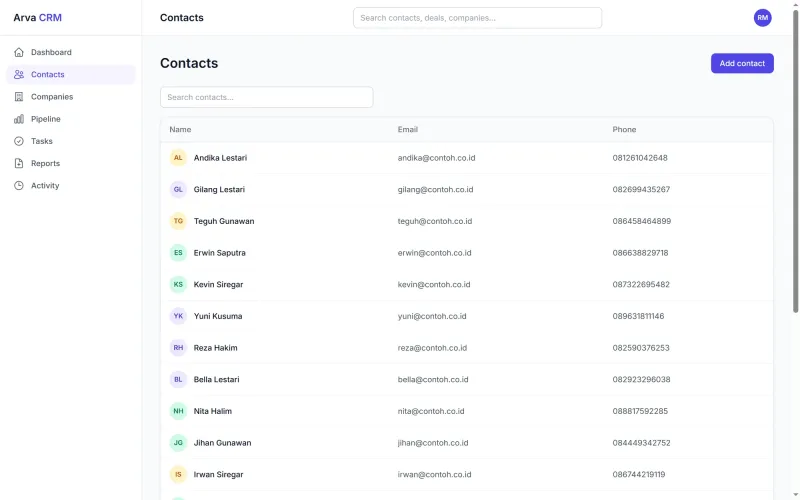
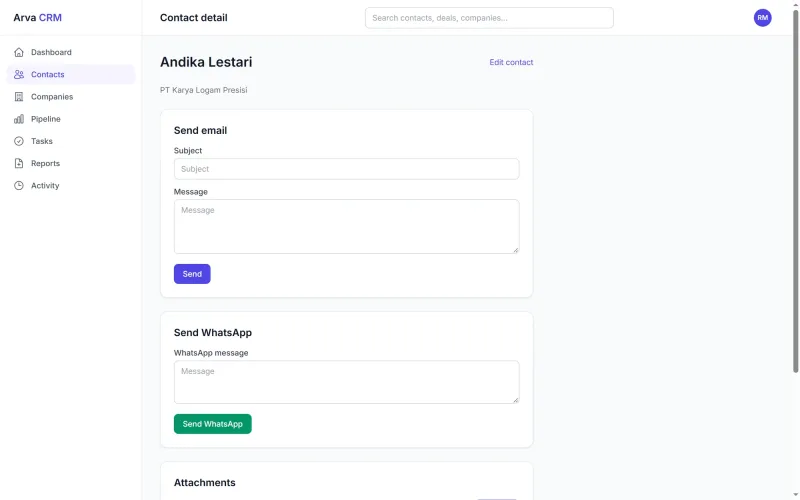
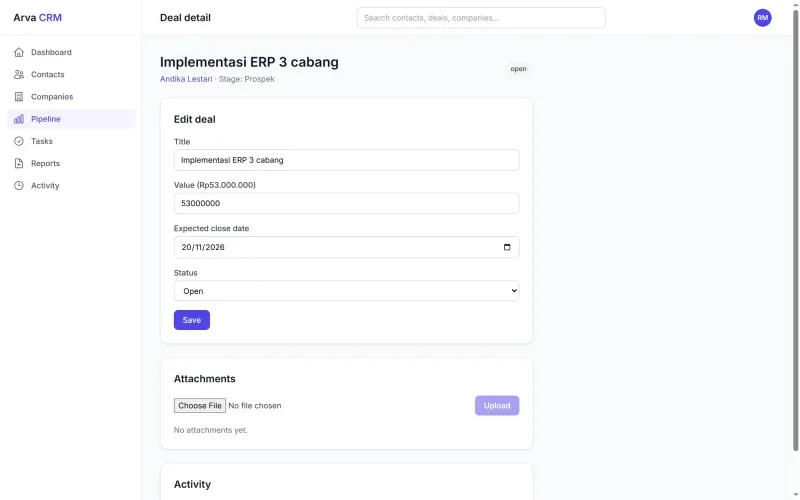
Prospects, open quotations and the sales team's follow-up tasks in one place. The pipeline shows the deal value at each stage, and the forecast estimates revenue for the coming months.
See the screens
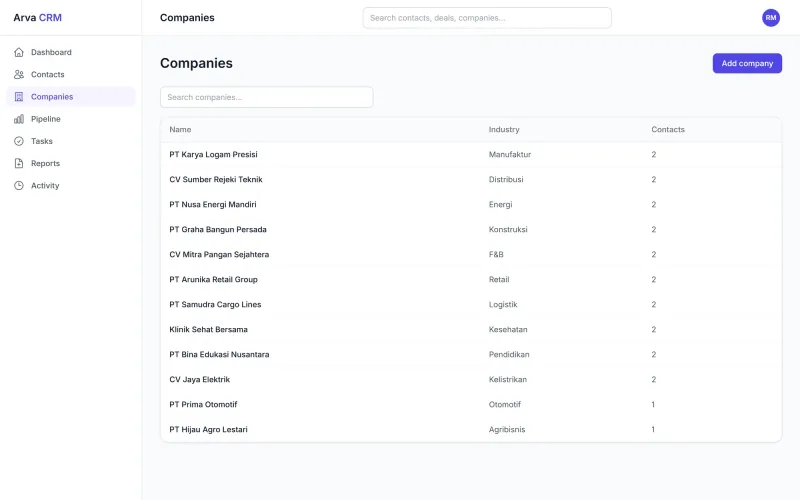
Choose a part of the app on the left. Every screen is taken from Arva CRM running with sample data. Click an image to enlarge it.
Deals per sales stage
Prospect, qualification, proposal, negotiation, through to won. The total value of each stage shows above its column.
| Arva CRM | ScreenPipeline | Sheet1 / 7 |
You can also use the arrow keys
Full feature list
B2B sales teams managing many quotations and follow-ups at once.
| Contact |
|
|---|---|
| Sales |
|
| Communication |
|
| Reports |
|
Getting started
The contract is directly with PT Bhilulu Teknik. Our IT team installs, trains and supports.
Requirements reviewed
We study your workflow and company rules, then show you the parts of the app that cover them.
Data migrated
Employee, item, customer or student data from Excel is imported into the app.
Training
Every user is trained for their role until they can work on their own.
Ongoing support
After go-live, our IT team is still reachable by WhatsApp and email.
All screens
7 Arva CRM screens. Click to see them full size, then swipe for the next one.
Arva CRM FAQ
Not answered yet? Ask us directly on IT services WhatsApp.
Can I send WhatsApp messages from the CRM?
Yes, through the WhatsApp Business API. Outgoing messages and customer replies are stored in the contact history.
Can the pipeline stages be changed?
Yes. Stage names and win probabilities are set to match the way your team sells.
Does it show when an email has been opened?
Yes. Emails sent from the CRM are marked once the recipient opens them.
Can several sales people use it at once?
Yes. Each sales person has their own account, and the owner or manager can see every deal.
Other apps
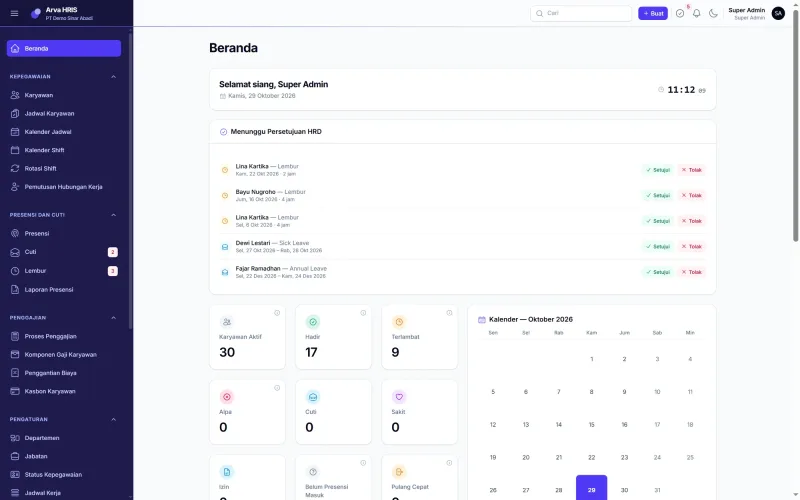
 Arva HRIS
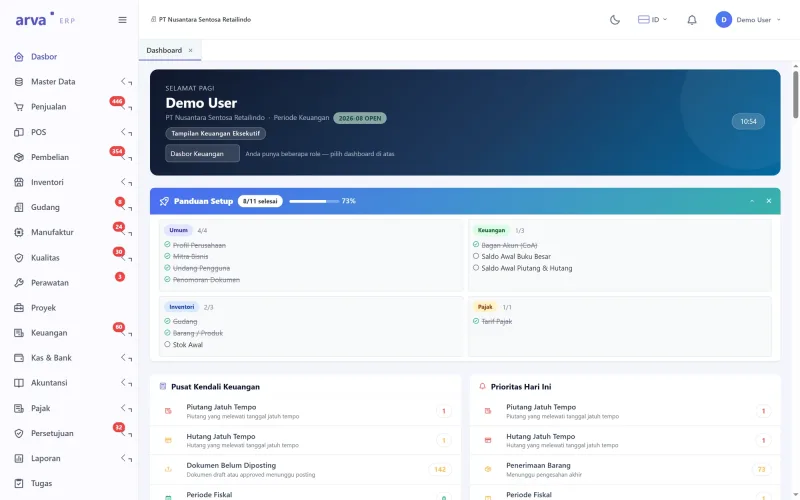
 Arva ERP
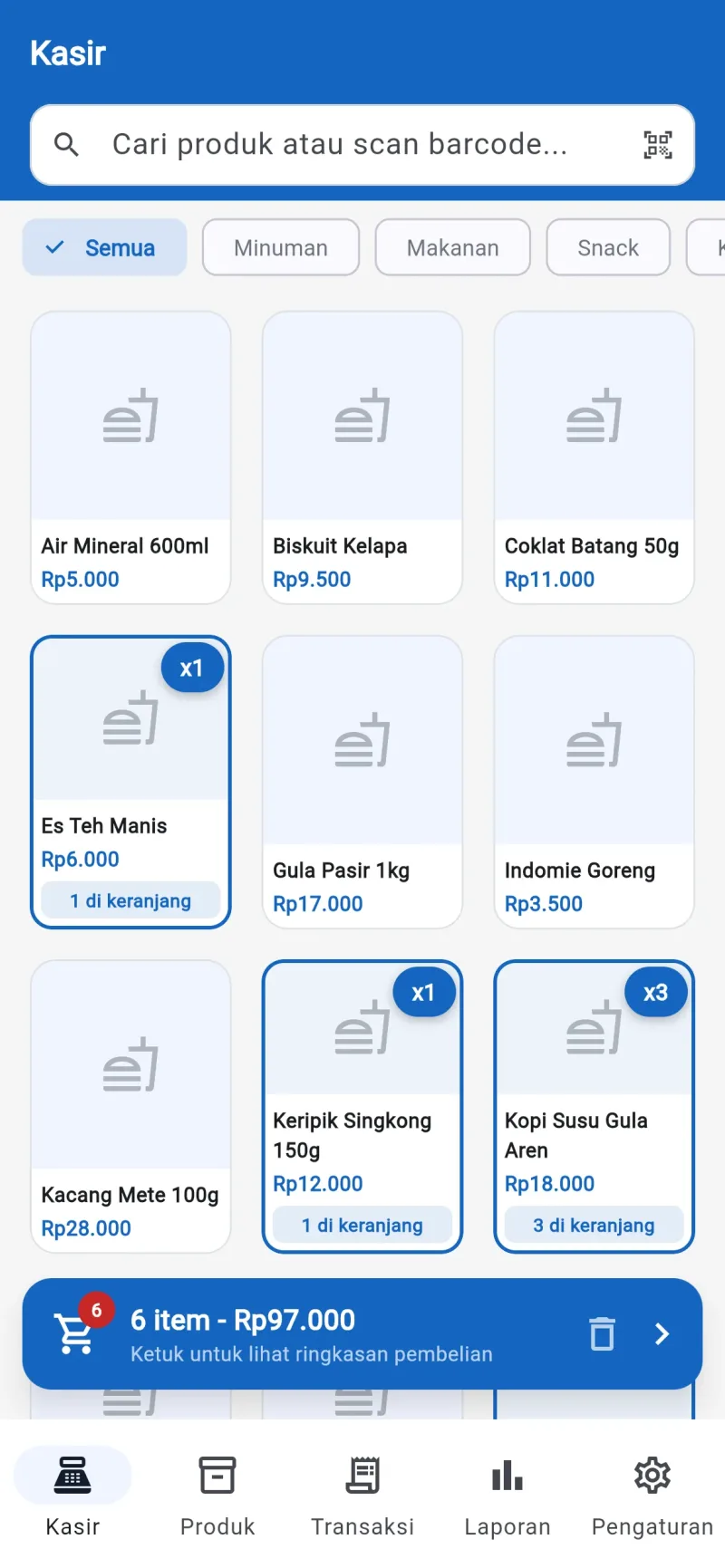
 Arva POS
 Arva School
This page was updated on